Present a Focused Selection
Share only the directors, reels, and individual spots that are still under consideration.
Select the right spots and reels for your project, bring your strongest options together, and create a screening room your team can review and share.
No account required.
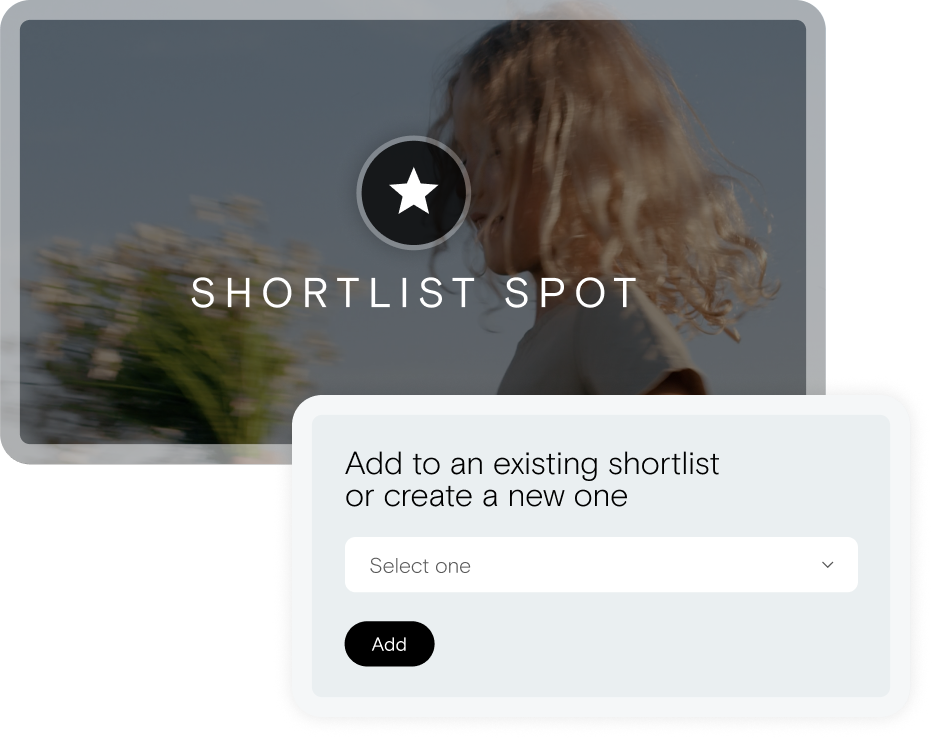
Add individual spots or complete reels to your shortlist as you review work. Your selections stay with you as you move between Simian reel presentations in the same browser, so you can keep evaluating and organizing options as the project takes shape.
Create separate shortlists for different projects, and paste links to reels presented on other platforms so every option under consideration stays organized in one place.
Select the exact work you want from any Shortlist-enabled Simian reel.
Add an entire Simian reel or paste a reel link from another platform so nothing gets lost across emails and browser tabs.
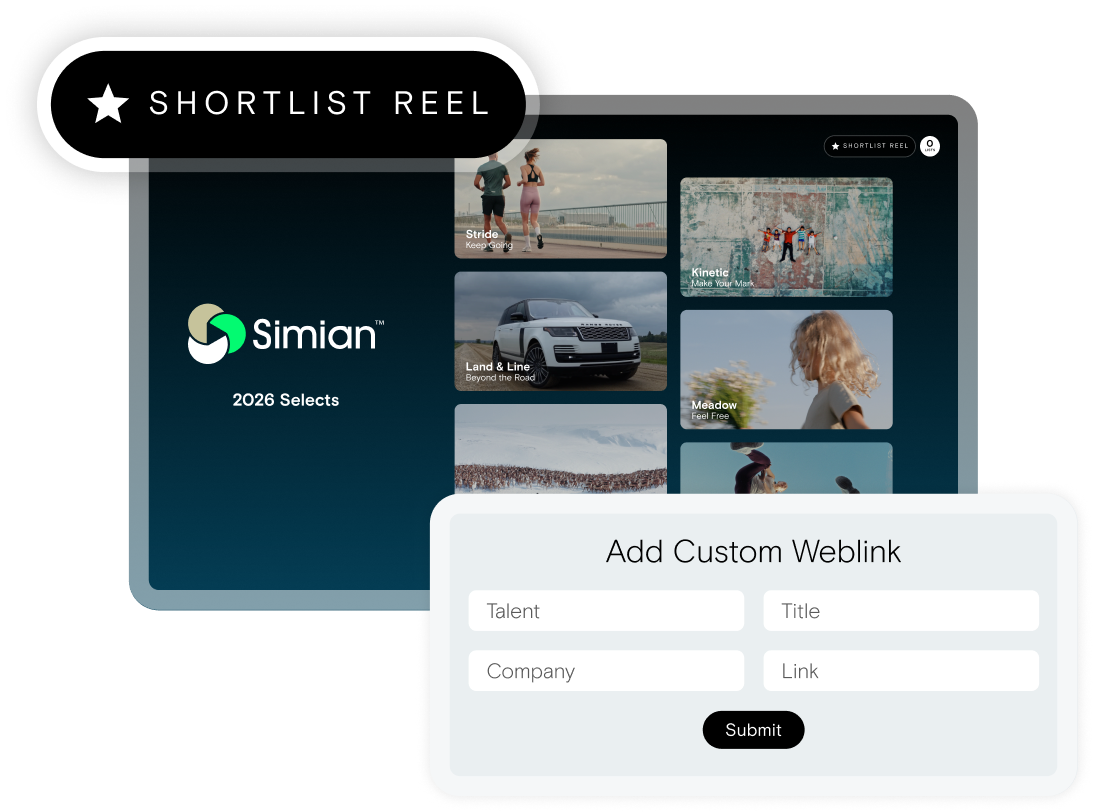
Move between Simian reel presentations in the same browser without losing your selections. Everything you shortlist stays together and ready when you return.
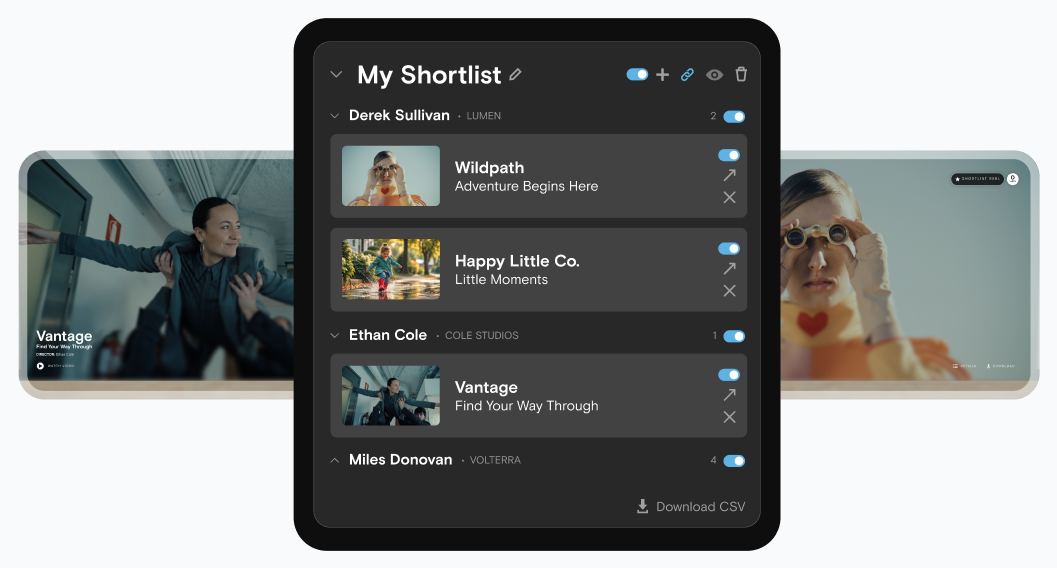
Keep selections organized by project, campaign, client, or round of consideration.
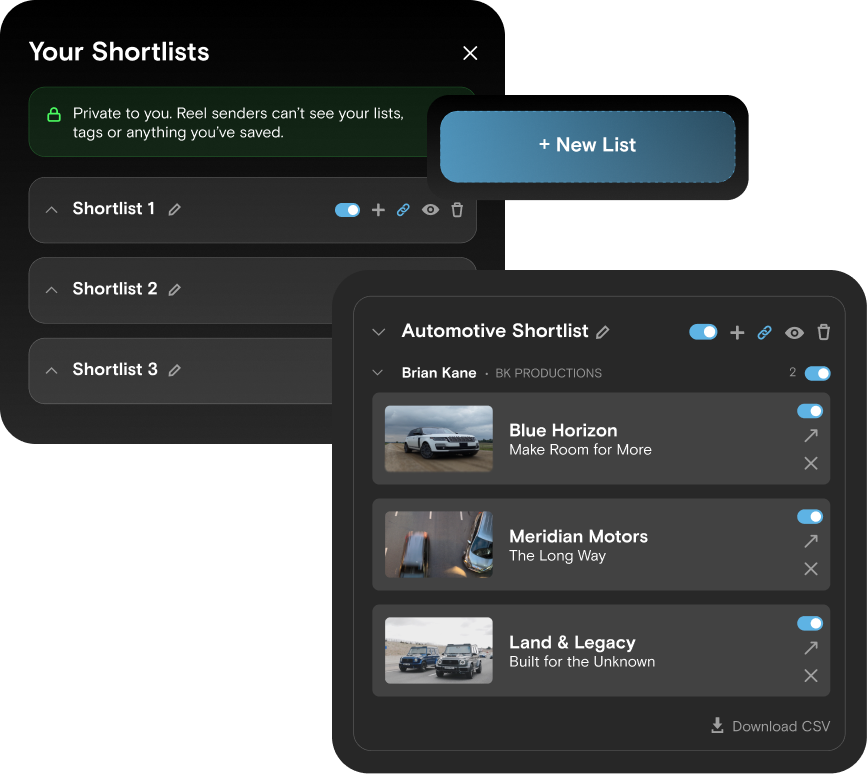
When you're ready to bring in the rest of the team, turn your selections into a polished screening room with a single click.
Arrange the work, add project context, and share one focused link with creatives, account teams, clients, and other stakeholders - no login required. For work that requires additional privacy, password-protect the screening room before sharing it.
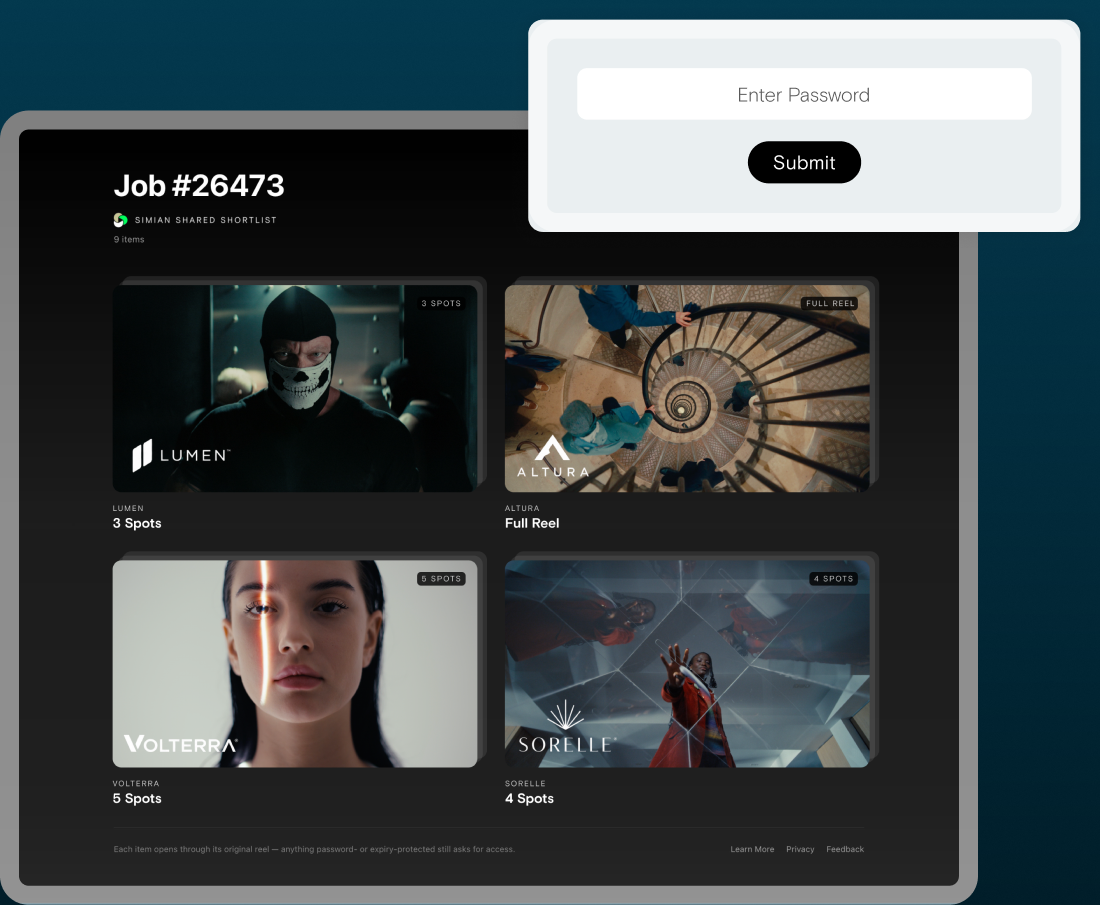
Share only the directors, reels, and individual spots that are still under consideration.
Name the project and include a short introduction so everyone knows what they're reviewing.
Password-protect your screening room and control how the selected work is shared.